Operated by Reves · Cisco Partner

Cisco Meraki Hardware & Licenses. Simple to Find. Easy to Order.

Search Meraki products by model or SKU, request pricing for multiple items, and get help with hardware, licensing and renewals — all in one place.

Try MX75-HW, MR57, MS130-24P, LIC-MX or C9300

1

Search

Find the exact model or Cisco part number. Hardware and licences are clearly labelled.

2

Add to Quote

Add every SKU you need, set quantities and keep browsing. No account required.

3

Send

Submit one request with your name and email. You get a reference number straight away.

Shop Meraki hardware

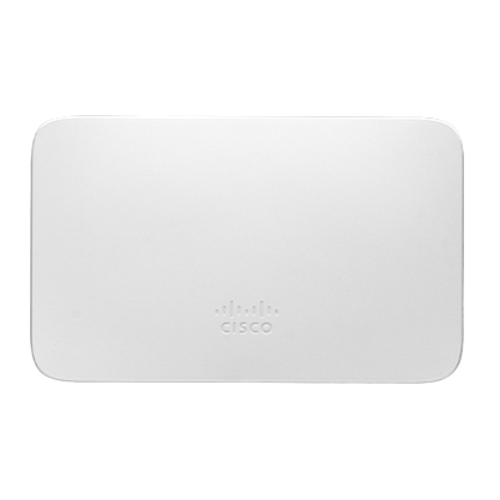
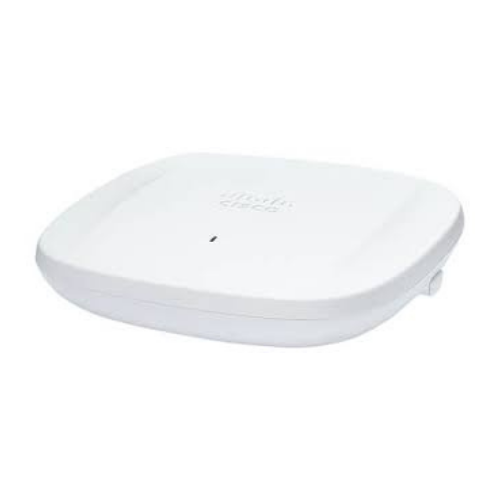
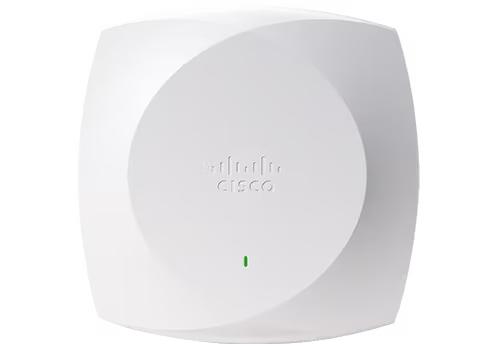
Wireless Access Points

MR and CW Wi-Fi 6/6E/7 indoor and outdoor APs
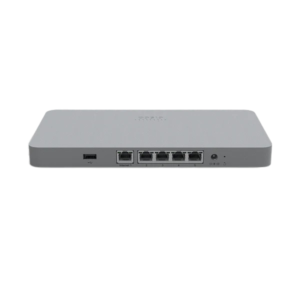
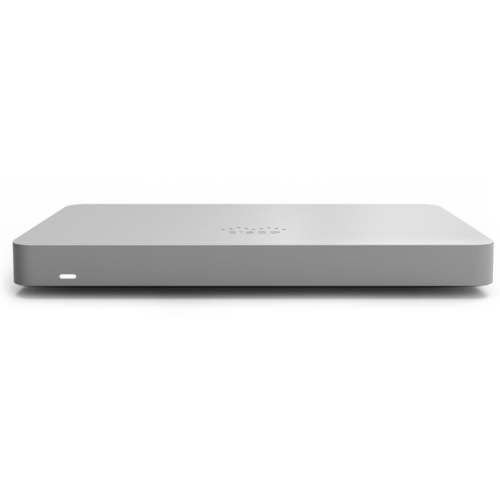
Cisco Meraki MX67

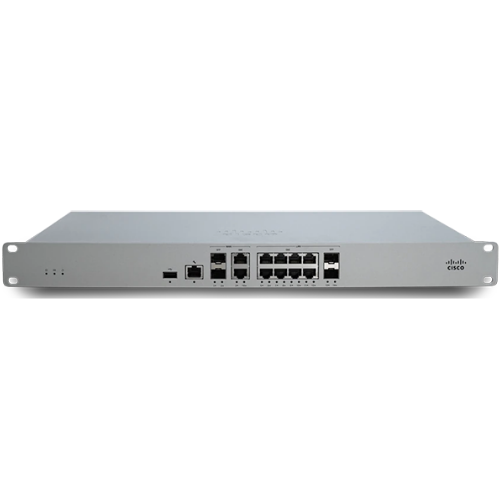
Security & SD-WAN

MX appliances for branch, campus and teleworkers
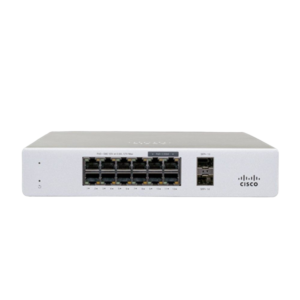
Cisco Meraki MS130-8

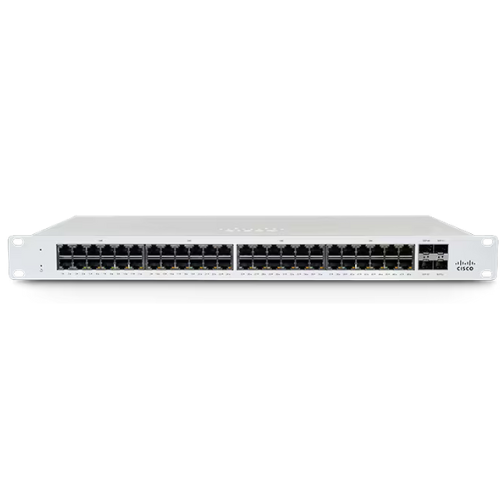
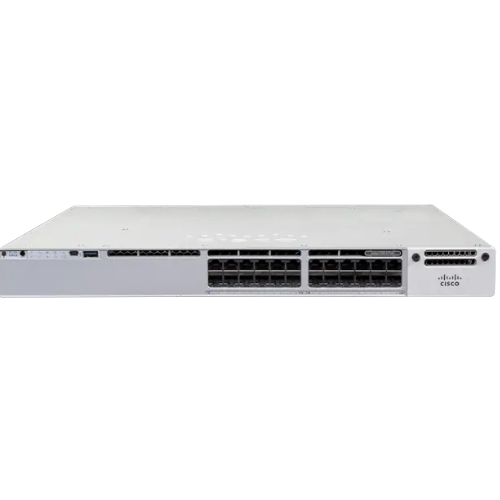
Network Switches

MS and Catalyst cloud-managed switches
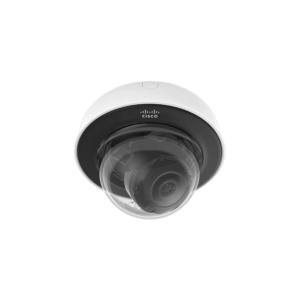
Cisco Meraki MV12N

Smart Cameras

MV cloud-managed security cameras
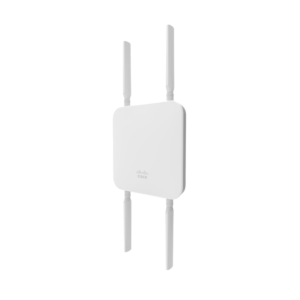
Cisco Meraki MG51

Cellular & Wireless WAN

MG cellular gateways for primary or backup WAN
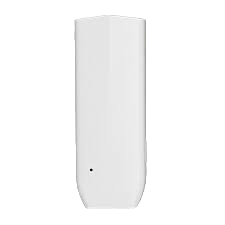
Cisco Meraki MT40

Sensors

MT environmental sensors (end-of-sale Nov 2026)
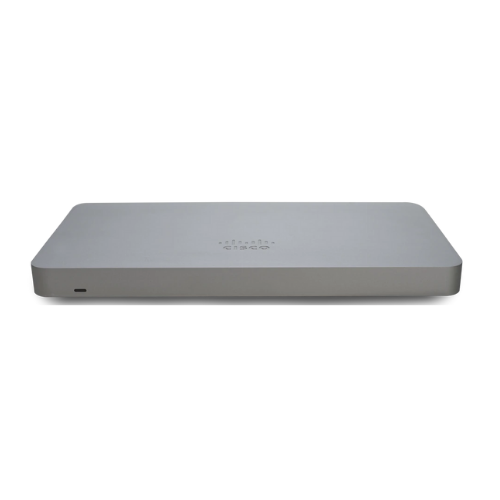
Not sure which Meraki license you need?

Tell us your device model and whether you’re buying new or renewing. We’ll help verify the correct licensing option for your Dashboard organisation.

Why buy Meraki from Reves

Meraki is all we sell here

Hardware, licences and renewals for Cisco Meraki only — so the catalogue, advice and quotes stay focused.

One request for every SKU

Add access points, switches, appliances and licences to one basket and get one consolidated quotation.

Licensing checked before you buy

We confirm your organisation’s licensing model and the right licence for each device before you order.

How ordering works

Hardware ships to your site. Licences and subscriptions are fulfilled digitally after the order is placed with Cisco — activation is not instant at checkout.

1

Request

Send your SKUs and quantities through the quote basket or BOM upload.

2

Review

We confirm compatibility, licensing, pricing and availability.

3

Quotation

You receive a formal quotation by email.

4

Approve

Accept the quote or send a purchase order. GST billing details are confirmed here.

5

Fulfil

We order through our authorised Cisco channel, then ship hardware or send licence fulfilment details.

Have a Meraki product list?

Upload your BOM (PDF, Excel or CSV) or add products to your quotation basket. We’ll review the requirements and help with pricing, including part numbers not listed on the site.

Frequently asked questions

No. Add products to your quote basket and submit your name and email. Nothing is charged when you request a quote.

Prices shown are indicative. Your formal quotation confirms the final price, availability and applicable taxes.

Yes. Meraki hardware needs an active licence to be managed from the Dashboard. The licence type depends on your organisation’s licensing model, which we help you confirm.

No. A Meraki Dashboard organisation uses one licensing model (Subscription, Co-termination or Per-device), so new licences must match it.

Tell us the device models or licence SKUs, quantities and current expiry date if you know it. We will check your licensing model and quote the correct renewal. We never need your Cisco or Dashboard password.

Usually, yes. Search for the SKU or send us your list and we will check availability through our Cisco channel.