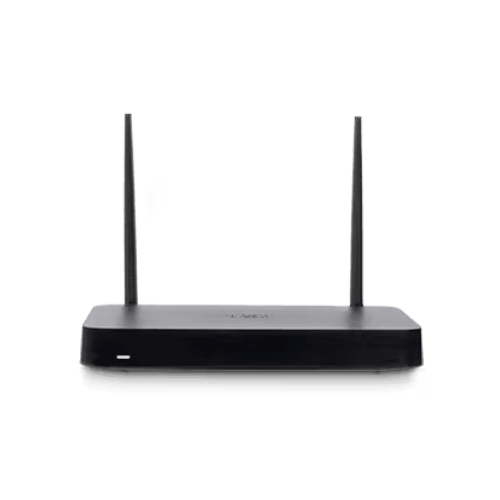
Cisco Meraki Z4C
₹108,132.00 Indicative price · confirmed in your quotation
Integrated cellular failover in an elegantly designed secure remote-work gateway with Wi-Fi 6
| Lifecycle | Current |
|---|
Need a licence for this device? Every Meraki device needs an active licence. Help me choose the right licence.
Overview:
Flawless office-like connectivity with added cellular resiliency and enterprise-level security.
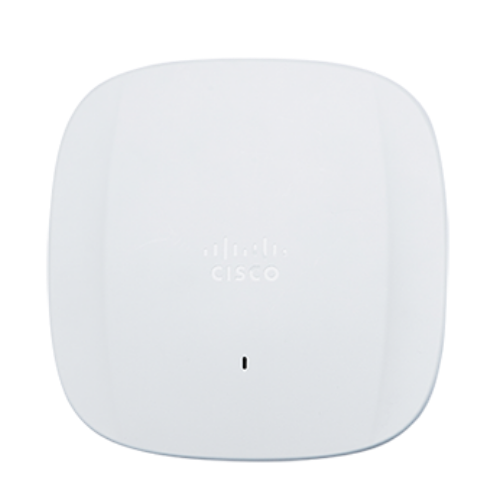
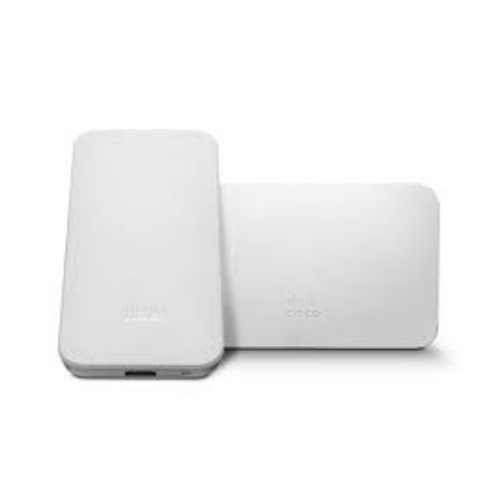
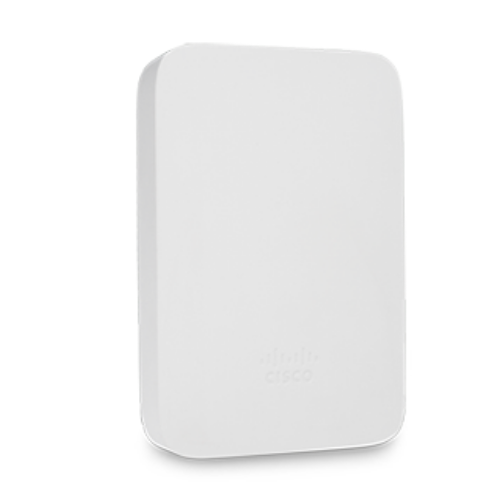
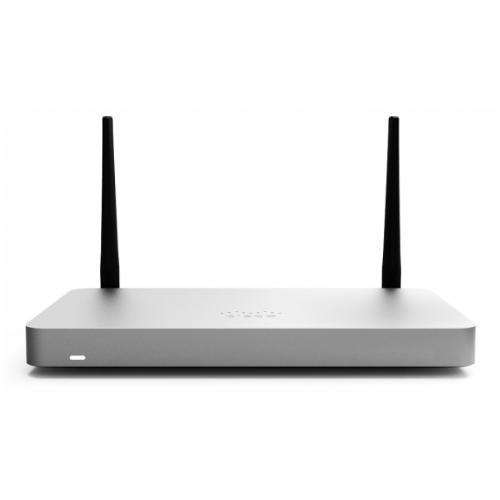
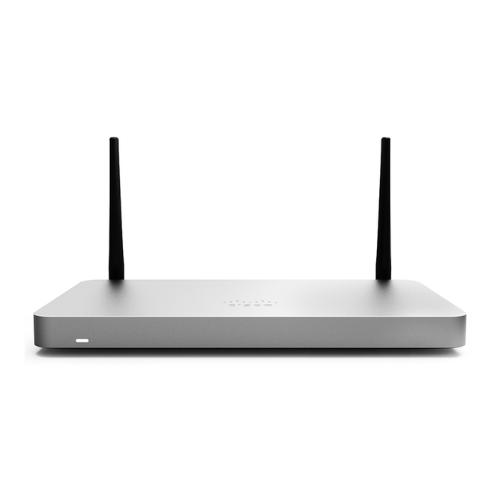
The Cisco Meraki Z4C teleworker gateway is an enterprise class firewall, VPN gateway and router. This device offers wireless connectivity with WiFi 6, five gigabit ethernet ports, including a built-in PoE-enabled port for VoIP phones and other PoE powered devices. The Z4C is designed to securely extend the power of Meraki cloud managed networking to almost any location. With a built-in LTE modem, the Z4C simplifies any deployment that requires a backup cellular uplink, or is positioned in a remote location.
Beyond best-effort remote work
- Build the most efficient and scalable long-term remote work strategy
- Secure internet access with Cisco AMP, ThreatGrid, and content filtering
- WAN: 1 GbE; integrated Cat 12 LTE modem
- LAN: 4 GbE (1x PoE-enabled port)
- Wi-Fi: dual-band 2×2 Wi-Fi 6
- 500 Mbps firewall throughput
- 250 Mbps site-to-site VPN throughput
Configure your Dashboard Network
The following is a brief overview only of the steps required to add an Z4C to your network. For detailed instructions, please Contact Us.
- Find the network to which you plan to add your Z4C or create a new network.
- Add your Z4C to your network. You will need your Meraki order number (found on your invoice) or the serial number of each Z4C, which looks like Qxxx-xxxx-xxxx, and is found on the bottom of the unit. If a license key was purchased at the same time then you should have received it via email.
- Go to the map / floor plan view and place each Z4C on the map by clicking and dragging it to the location where you plan to mount it.
Pricing Notes:
- Pricing and product availability subject to change without notice.
Features:
Extend the office at scale
SD-branch cloud platform
- Unified management for security, SD-WAN, Wi-Fi, switching, MDM, and IoT
- Centralized management via web-based dashboard or API
- True zero-touch provisioning
- Smartphone-like firmware updates
Dependable connectivity
- High redunancy with self-healing Auto VPN and integrated cellular failover
- Secure, always-on encrypted VPN to hybrid clouds and Cisco Umbrella
- Wi-Fi 6 performance for increasingly dense and demanding home environments
- Integrated PoE port ideal for phones, printers, and other powered devices
Advanced security
- One-click Cisco Advanced Malware Protection (AMP)
- Protection for unknown files with ThreatGrid
- Cisco Talos content filtering
- Built-in UI integration for Cisco Umbrella cloud security
Advanced analytics with ML
- Automatically applied Smart Thresholds to identify true app degradation
- At-a-glance performance of apps across the LAN, home uplink, and app server
- Instant root-cause analysis of degradation with intelligent recommendations
- Status of all remote worker uplinks in one view, including cellular
Software Features:
- Managed via Cisco Meraki Dashboard
- Automatic Firmware upgrades
- L3/L7 Stateful Firewall
- 1:1 and 1:Many NAT
- Configurable VLANs / DHCP support
- Static Routing
- Client VPN endpoint
- Meraki AutoVPN and L2TP/IPSec VPN endpoint
- Custom Traffic Shaping
- Historical Client Usage statistics
- Netflow support
- Syslog integration
- Remote Packet Capture tools
- IPv6 Support
Hardware Features
- Built-in WiFi6 Wireless Capabilities
- Built-in LTE Cellular capabilities
- Built-in PoE+ capabilities
Pricing Notes:
- Pricing and product availability subject to change without notice.
Z4C Specifications:
| Single WAN Uplink | Yes |
| Cellular Uplink | Yes |
| Stateful Firewall Throughput | 500 Mbps |
| Maximum VPN Throughput | 250 Mbps |
| Security Throughput | 300 Mbps |
| PoE Capabilities | Yes, 1x GbE RJ45 LAN Ports (802.3at) |
| WiFi | Dual-band 2x2 WiFi 6 |
| Backup Cellular Uplink | Built-in CAT12 LTE Modem |
| Recommended use case | Up to 15 devices |
Technical Breakdown
| WAN Interface | 1x Dedicated GbE RJ45 1x Built-in CAT12 LTE Modem |
| LAN Interface | 4x Dedicated GbE RJ45 |
| 802.11 Wireless Interface | |
| Radio Information | 802.11a/b/g/n/ac/ax 2.4 or 5Ghz) 2x2 MU-MIMO |
| Antennas | 2 x 2 MU-MIMO with two spatial streams |
| Maximum Data Rate | 1.5 Gbps Refers to maximum over-the-air data frame rate capability of the radio chipset, and may exceed data rates allowed by IEEE 802.11ax operation. |
| Throughput and Capabilities | |
| Recommended Use Case | Up to 15 devices |
| Max Stateful Firewall Throughput in NAT mode | 500 Mbps |
| Max VPN Throughput | 250 Mbps |
| Physical | |
| Mount Type | Desktop / Wall Mount |
| Dimensions (h x d x w) | 7.9 x 4.41 x 1.04 in / 200 x 112 x 26 mm |
| Weight | 1.1 lbs / 0.487 kg |
| Power Supply | 50W DC |
| Power Load (idle/max) | 15W / 46W |
| Operating Temperature | 32°F - 113°F 0°C - 45°C |
| Storage and Transportation Temperature | -4°F - 158°F -20°C - 70° C |
| Humidity | 5% to 95% |
Pricing Notes:
- Pricing and product availability subject to change without notice.
Licence required
Every Meraki device needs an active licence to be managed from the Meraki Dashboard. Licences are sold separately and come in terms of 1 to 10 years, depending on the licensing model of your organisation.
Not sure which licence this device needs? We will confirm the correct licence SKU and tier with your quotation.
Check the right licence for Z4C-HW
Reference: Cisco Meraki licensing documentation
How ordering works
- Add this product to your quote basket (no account or payment needed) and submit your request.
- We confirm pricing, availability and licensing, then email a formal quotation.
- Accept the quotation or send a purchase order. GST billing details are confirmed at this stage.
- We order through our authorised Cisco channel.
Delivery: hardware is shipped to your site anywhere in India. Delivery timelines are confirmed in your quotation.
Questions? Call +91-98188-21907 or email sales@merakidistributor.in.
Related products